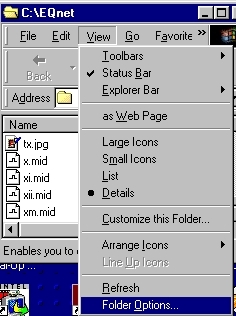
Now click on file types and scroll down untill you find the XMIDI
squence (it will not havethe Miles icon in front of it yet) and click edit.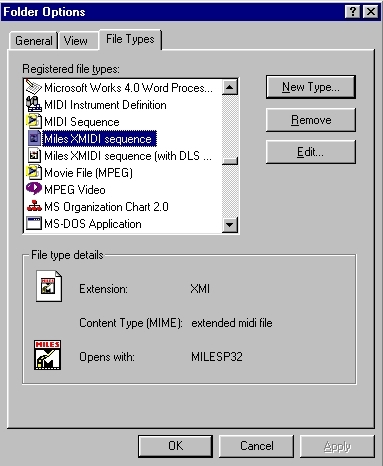
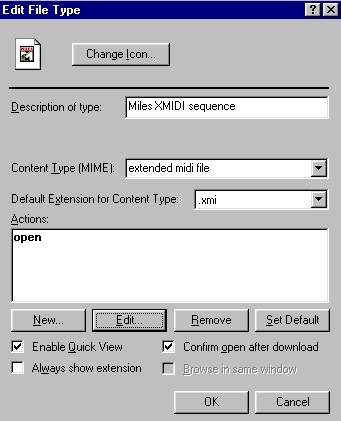
The content type box will be blank. Type "extended midi file" in the box. In the edit properties click enable Quick View and ok.
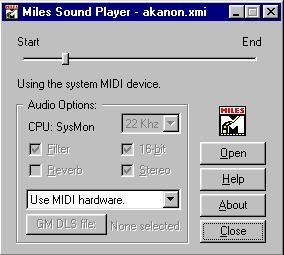
Now you can play any of the Everquest music files that work with Internet Explorer or Netscape Navigator by going to open file and browsing your EQ folder for the files with the ".xmi" extension.
Hope ya enjoy it :>)
Back to main