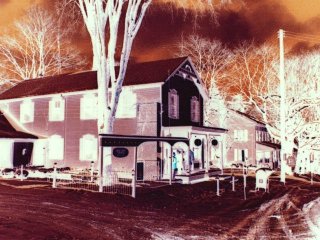
The original photo "Negatized" Pretty cool, however, not very good for this photo.
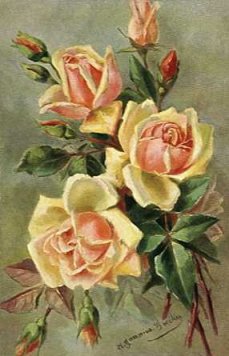

This is much better! I loved the effect the negative image option gave this one!
Now for a little Image Arithmatic!
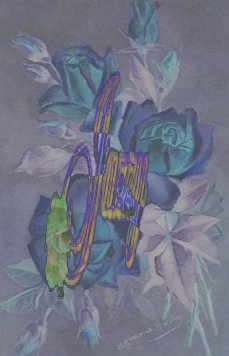
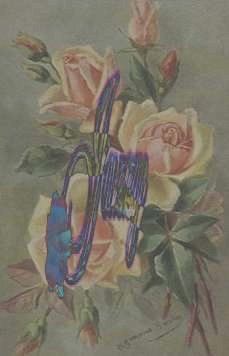
Okay now this is interesting! For both images I used the following settings in Image Arithmatic ---
- Difference
- Divisor - 6
- Bias - 1
- Clip Colors - checked
For the left image I used the "negatized" roses and my sig, for the image on the right, I used the original roses and my sig" Then I went to the Color Menu option and adjusted the brightness to 41% and the contrast to 60%. What is so interesting is that doing all this to the original image made it look negatized and made the negatized image look more like the original! Now go figure! LOL
For this signature I used Blade Pro - threw the dice!
Well that is all for Week 2 :( See ya'll around class!