Before VRWeb can be installed, you need to
At this point, you need to make this file executable and execute it. This is done with the commands
     chmod +x vrweb-1.5.0.0.exe
     ./vrweb-1.5.0.0.exe
This executable is a self-extracting archive containing the file
vrweb-1.5.0.0.bff, so you will see the following while it executes:
     Archive:   ./vrweb-1.5.0.0.exe
	inflating:  vrweb-1.5.0.0.bff
To finish the installation, you need to have root authority. This is done
by issuing the su command and entering root's password. The
following commands cause smit to install the bff file.
     rm -f .toc
     smit install_latest
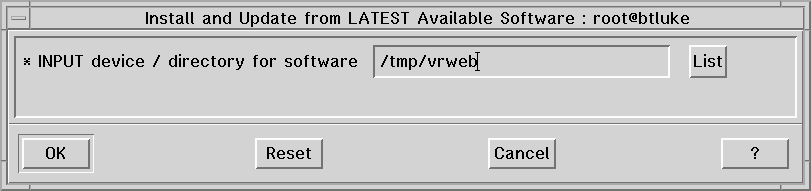
At this point, you will see a dialog window asking you for the location of
the programs to install. You should enter the name of the directory
containing the bff file, as shown below.
Once this is entered, you should click on the [OK] button. Another dialog window appears asking you for details of this installation. The default responses are shown below.
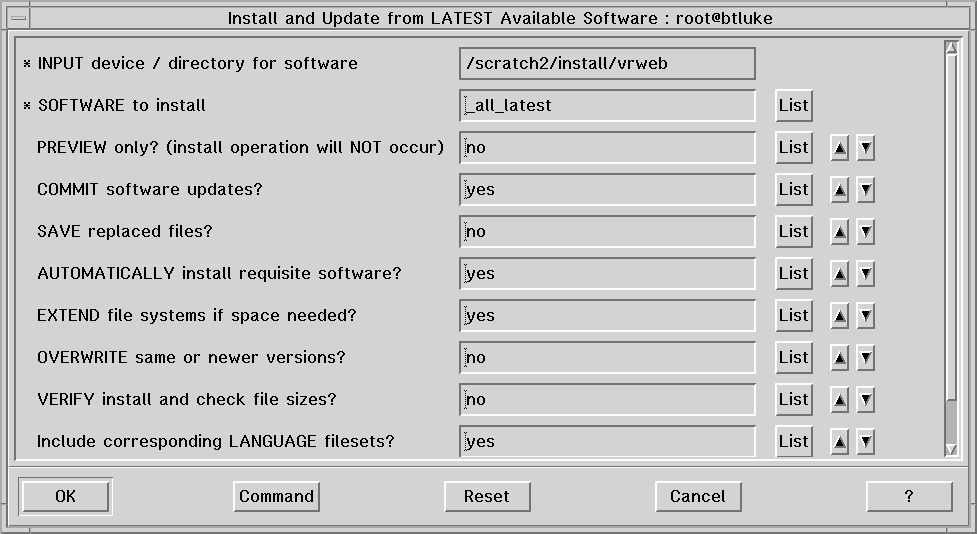
These values are fine, so you simply click the [OK] button. You will then be shown a conformation window like the following:
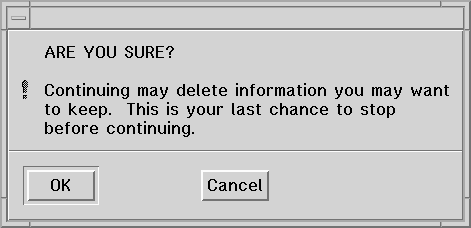
At this point, smit installs the program into /usr/local/bin and, when completed, you will see the smit information window similar to the one shown below.
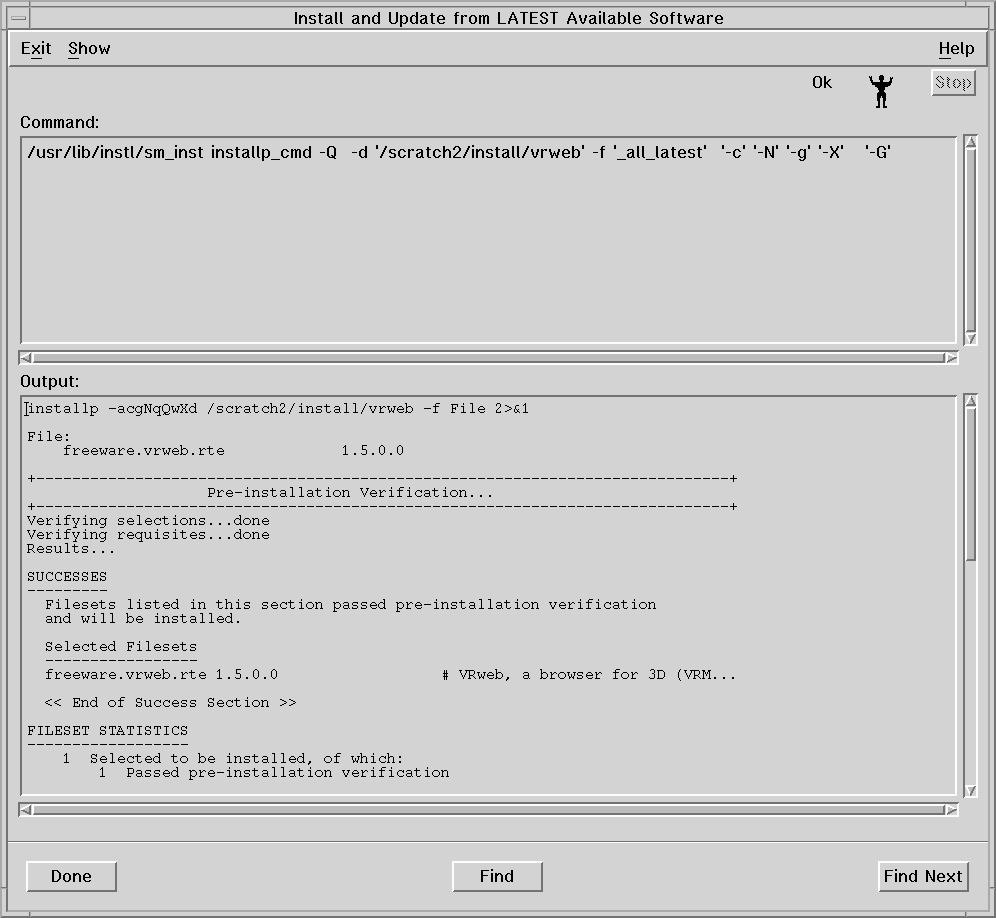
You can now exit smit by clicking on the Exit menu tab at the upper-left and select Exit Smit. This closes all of the smit windows. You should now exit root by entering the command exit.
Before running VRWeb, you should make sure that /usr/local/bin is in your PATH. If not, contact your System Administrator to have this done (and you will also have to logoff and log back in).
You can now display a wrl file by changing to the directory that contains this file (e.g. PDBOUT.B-S.wrl) and enter the command
vrweb PDBOUT.B-S.wrl
The following structure should now be displayed.
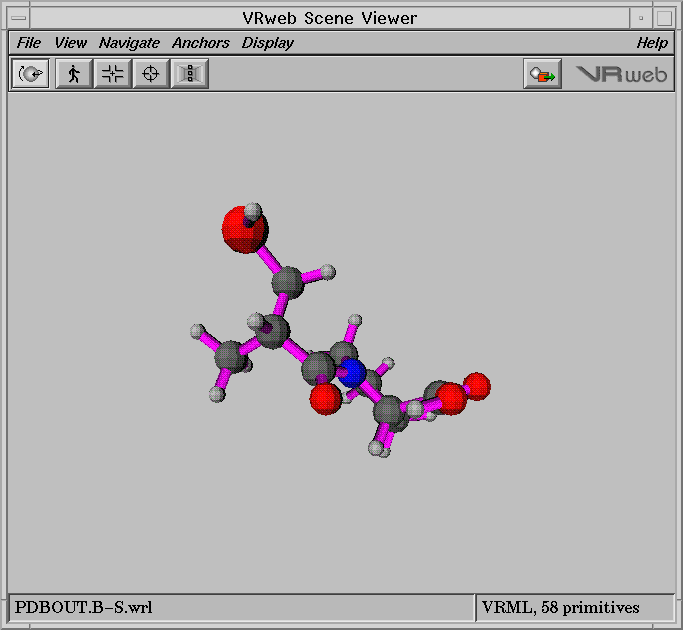
Since the left-most button at the top is selected by default, you can rotate the image by pressing the center mouse button and dragging the cursor over the image.