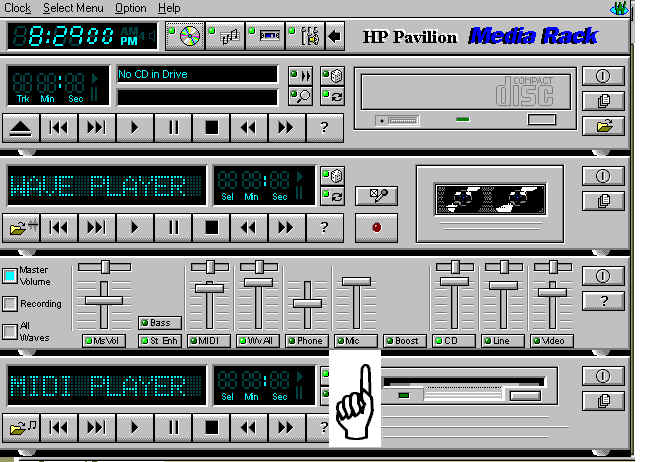
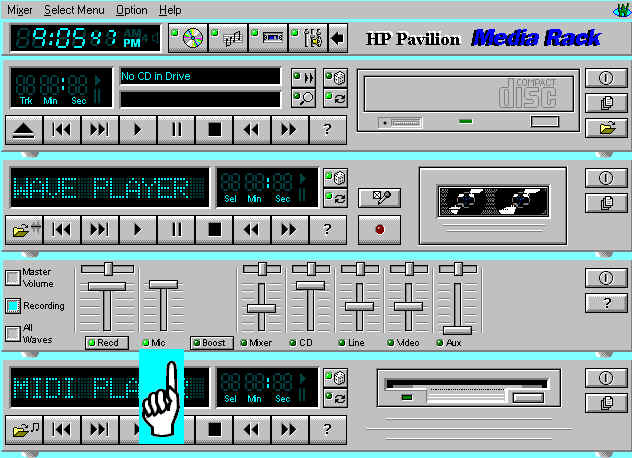
Notice also Master Volume and Recording
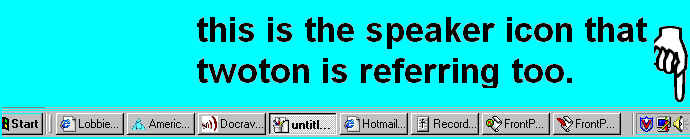
Right click get next Screen

Left click on Adjust Properties for RIPTIDE Soundcard Properties you get next screen
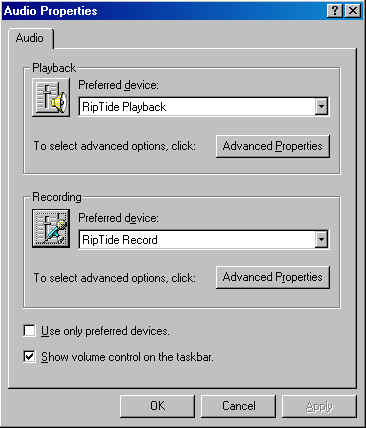
click on the microphone you get the next Screen
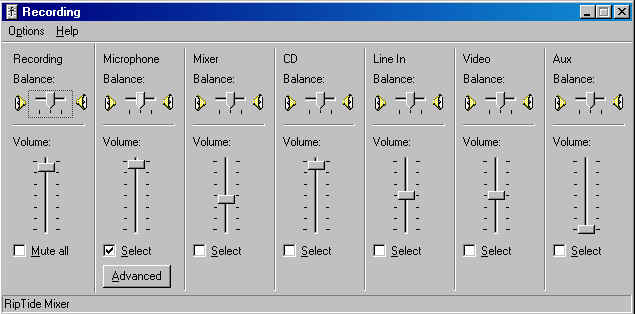
Make sure the Microphone is Selected
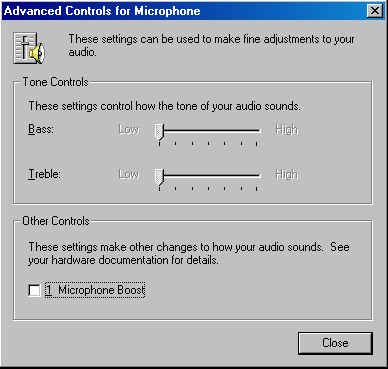
Thank you to Two Ton and Condora I hope this helps with the instructions about the Riptide Sound Cards