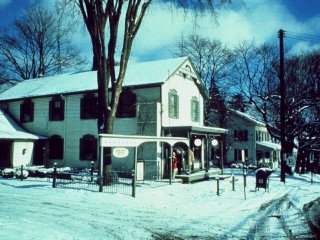
The original image.
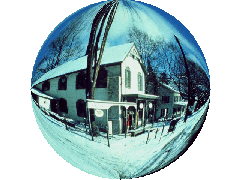
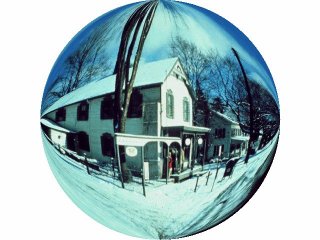
Circle Deformation - The image on the left I changed to GIF format and made the background color transparent. I also resized it. The image on the right I left as a JPG.
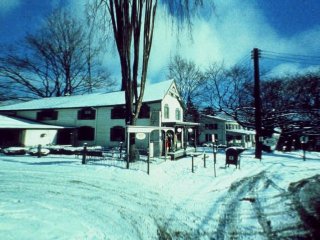
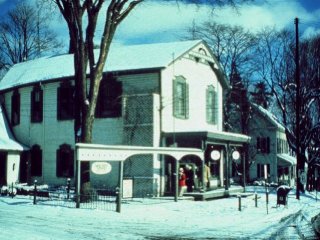
On the left image I used the pinch deoframtion tool at 99% - It make the image look like it is further in the distance. The right image is using the punched deformation tool at 47%. The effect is good -- a nice close-up. I did find that you have to be very careful using this deforamtion -- at 99% you could only see the front top windows and they were extremely blurry.
Ok I was going to put the Filtered images here as well --- but ---- it is already a bit too slow to load so ---