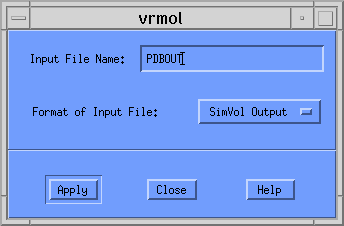
Once this is entered, you should click on the [Apply] button. Another dialog window appears asking you for the type of plot you want. Your choices are
In this example we will construct a plot containing the Structures and Volume Difference. This option should be selected from the pull-down menu so that the window looks like the following:
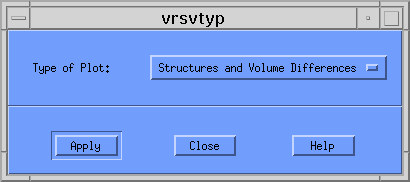
Then click the [Apply] button. For all but the first type of plot, VRMol needs to read the volume information for the overlapped structures, and the program displays a window asking for the name of the file containing this data. The name of this file generated by SimVol is PLOTF, and this name was not changed. Therefore this final dialog window should look like the following:
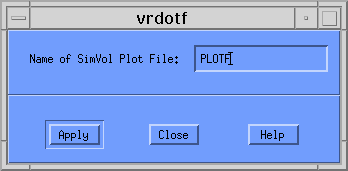
Since the initial structure file was named PDBOUT, VRMol creates a VRML file named PDBOUT.DIF.wrl. If you had selected Overlap of Structures Only, Structures and Union Volume, or Structures and Intersection Volume, VRMol would have created PDBOUT.RMS.wrl, PDBOUT.UNI.wrl, or PDBOUT.INT.wrl, respectively.
To see this VRML image from a browser that supports a VRML Plug-in, simply click on PDBOUT.DIF.wrl.
Unfortunately, browsers under AIX do not support such a plug-in, and you will have to examine this structure using another product. A few are available, and for ease of use I would recommend an older viewer called VRWeb. For further information, please consult Installing and Using VRWeb.
� 1999 Brian T. Luke, Ph.D.