We are now ready to fine tune all those mapping coordinates. We do this be redoing the coordinates that are too squashed up and arranging them in a more efficient position.
Lets start with the top of the arms. Collapse the stack (if you haven't already) and in Sub-Object select these faces:
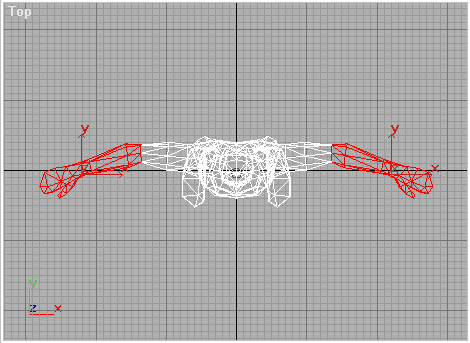
We can also select the tips of the fingers, at the same time, even though they are at right angles to the top faces, because there are so few coordinates here, it is easier to correct them later, than to redo absolutely every angle.
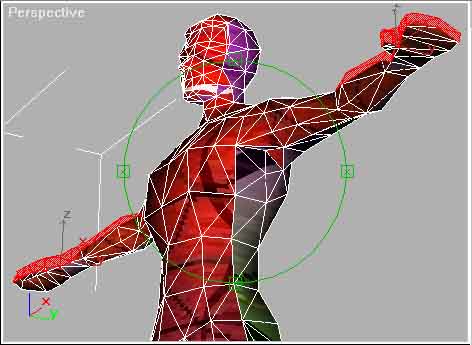
Apply a UVW Map modifier but this time you'll need to play around with the X, Y or Z ordination, maybe use the "Fit" button to get the Gizmo to show, until you get this:
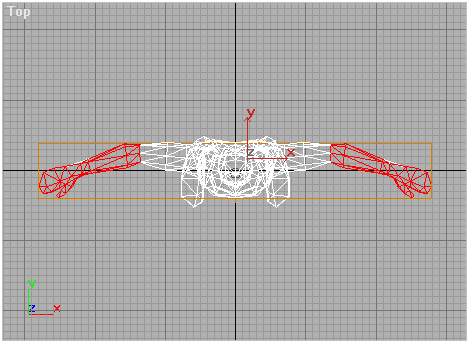
In UVW Mapping Sub-Object scale and rotate the Gizmo so the newly selected faces will be in the working space of our map.
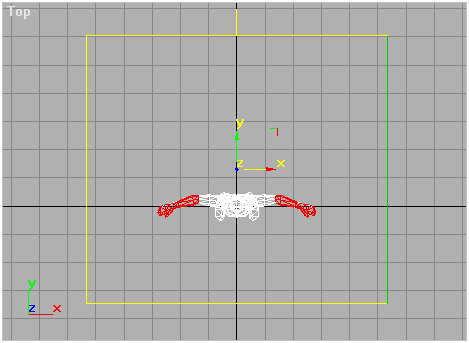
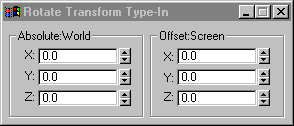
If you want to flip the Gizmo about an axis or rotate about 90 degrees, right click the "Rotate" button and the Type-In dialog appears. This allows you to type in 180 degrees or 90 degrees for any axis that you like.
These faces should be positioned within the map, so they don't over lap with any or the other coordinates.