
Page Features
The Text Sizes Chart
| -2 | text |
| -1 | text |
| normal | text |
| +1 | text |
| +2 | text |
| +3 | text |
| +4 | text |
| Bold Text | text |
| Italic Text | text |
| Strong Text | text |
The Image Features
When A picture is linked .. it automatically highlights the image with a color. You may want to add a border of "0" to a picture, if you don't want the highlight to show up on your homepage. (see below)
|
Border unpecified |
|
Border = 0 |
Image Map
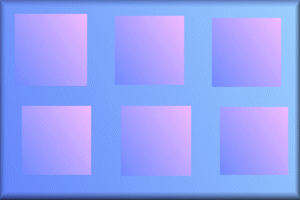
If you have a large image you wish to make a map with, I can do that also. (see below - click on the pink squares)
JAVA
I can't do
JAVA yet. The only JAVA applet I can do is the Lake. (see image)
The Tables
| Rows | Rows can be any amount you want. Anywhere from 1 row to 200 rows. |
| Columns | Columns can be any amount you want. Anywhere from 1 to 100 columns. I wouldn't put more than 5. |
| Borders | Borders can be anywhere from 0 (invisible) to 7. |
| Align | Align are either : Left, Right or Center |
| BGColor | the Background color, can be any color you want, except a background image. If no color is specified then the background becomes transparent. |
| Width | Width can be anywhere from 100 to 600. |
Thumbnails
I can do thumbnails if you like. I can do them with or without tables. I usually just reduce the size of the picture in the HTML codes to 50x50 or 100x100. That way the original picture is left untouched.
|
thumbnails 50x50 click to view full size |
|
thumbnails 100x100 click to view full size |




This Page is Sponsored by Fortune City