What
OE settings should I use?
Using the correct
settings will enable you to easily acquire the images and sounds
from a post that you admire (see "How do I save the
individual pieces, the graphics and sounds?"). It is also
important that you do not resend the original message with your
reply.
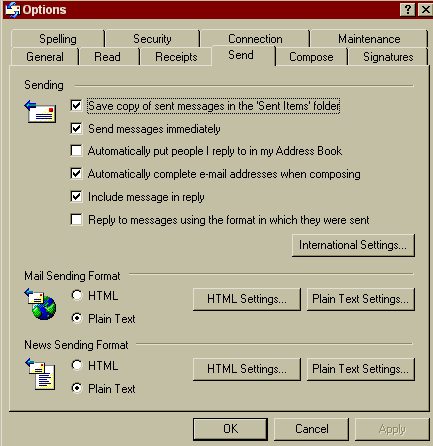
Within OE, go to
Tools|Options|Send. Uncheck "reply to messages using the
format in which they were sent". Set both your News Sending
Format and Mail Sending Format to plain text.
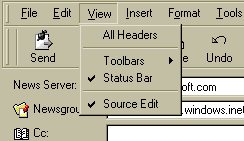
Next, make
certain that Source Edit is checked under View. Hit
the New Post button. Format|Rich Text (Html) Pull
down the View menu and verify that Source Edit is checked.
This will display the Edit, Source and Preview tabs at
the bottom of your Rich Text message.
Note: OE
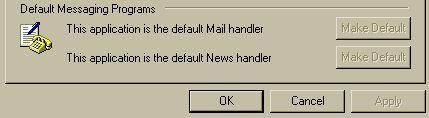
must be set as your default mail program. Go to Tools, Options
and at the bottom of the General screen there is a button to
click to make it your default.