[ Main Page ] [
Links ] [ Newsgroup
Questions ] [ Tutorials ] [ Submit
Info. ] [ Downloads ]


Installing EM Editor
|
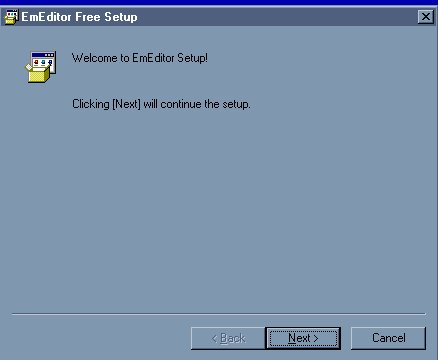
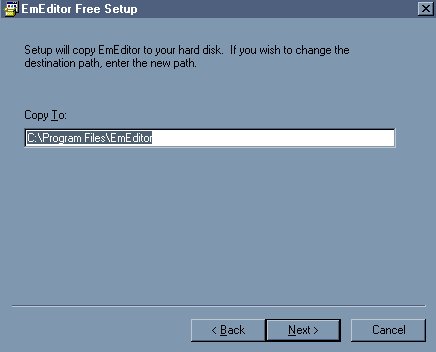
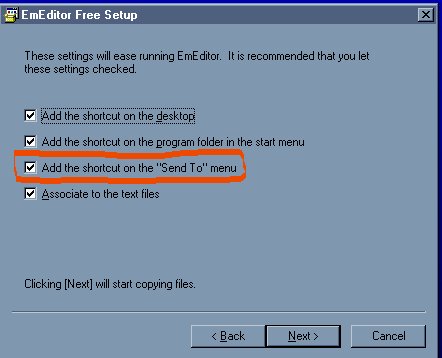
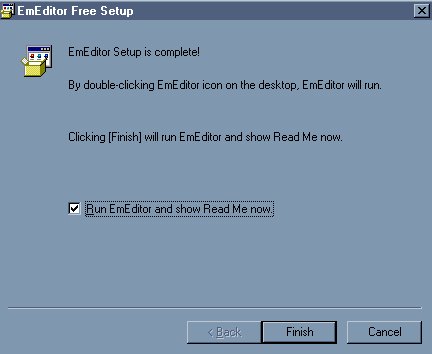
Installing EM Editor is quite simple. You just want to make sure to check on particular item so it becomes part of your right click options. You will understand that part a little later on in the Using Em Editor tutorial. Once you downlod EM Editor, then unzip it anywhere * I have a folder on my desktop called "New Stuff" - all new programs, filters, ANYTHING that I obtain off the web I put in here (each in a descriptive folder). It makes it easy to find again and when it comes time to back stuff up, I know exactly where all my new programs are. You can install anything out of here and this allows the installation to stay safe (in case you need it again). Once you unzip it, double click on it and it will begin to install. It will go through all these screens. The most important one to watch for is the 3rd one. You need to have the "add to Send to" option checked. This will make it part of your right click options.
That is it.
|